Add subtitles to a video on PC, free
You do not need to type subtitles by hand. Cutkaar makes them from the speech in your video, then you fix the few words it gets wrong.
Steps
- Open Cutkaar, click Create project and import your video.
- Go to Captions → Auto captions, choose the spoken language and click Generate captions.
- Choose how many words show at a time (1, 2, 3, 4 or 6) under Words per caption.
- Pick a look under Templates: font, colour, background box and highlighted word.
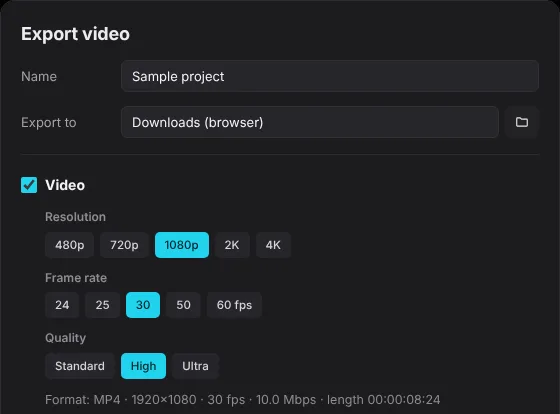
- Click Export. Keep Video on to burn the subtitles into the MP4. Turn on Captions to also save an SRT, VTT or TXT file.
Get Cutkaar freeWindows 10 and 11 · version 3.9.3 · updates itself
Download for WindowsBurned-in or SRT?
| Burned into the video | SRT / VTT file | |
|---|---|---|
| Shows on | Every app and phone | YouTube, players that load subtitles |
| Can viewers turn it off | No | Yes |
| Best for | Reels, Shorts, TikTok, WhatsApp | YouTube, long videos, many languages |